November Update: A Short Delay, a Brand New Library and an MCP on the Way

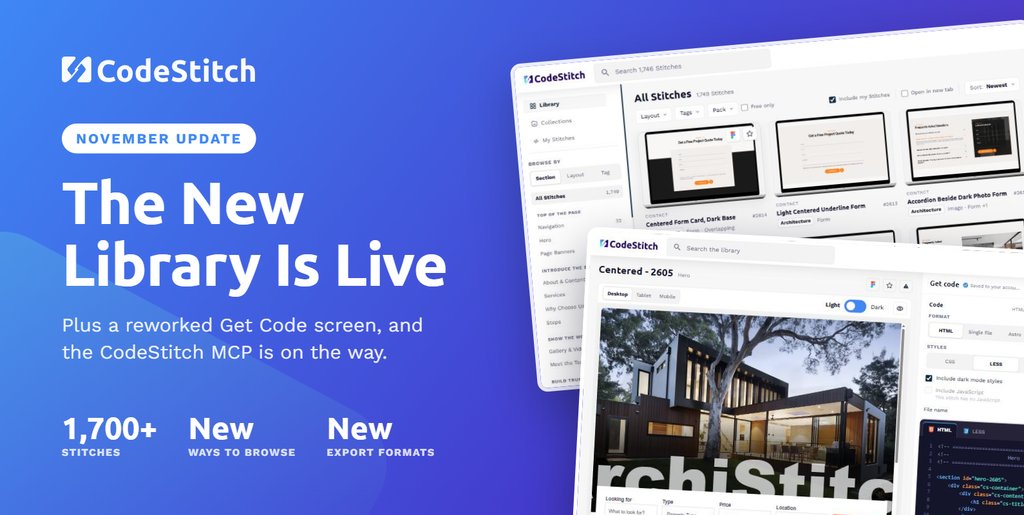
This month's stitch pack is running a little late, and the next two packs have swapped places. The good news: the redesigned Library and Get Code screens are live for everyone, and work on the CodeStitch MCP has started.
This Month's Pack Is Running Late
We'll start with the less fun part. Ryan has had a bereavement in his family, so the stitch pack we had planned for 1st November is running behind. Some things matter more than a release date, and we really appreciate your patience while we catch up.
In lieu of this, we've also had to swap the next two packs around. The Real Estate Stitch Pack #2 now comes first and lands later this month. The HVAC Stitch Pack moves to 1st December, and from there we're aiming to be back on our usual start-of-the-month schedule.
The New Library Is Live
When we asked what would make CodeStitch better, finding the right stitch came through loud and clear. So the Library was the first thing we rebuilt, from the sidebar to the cards.
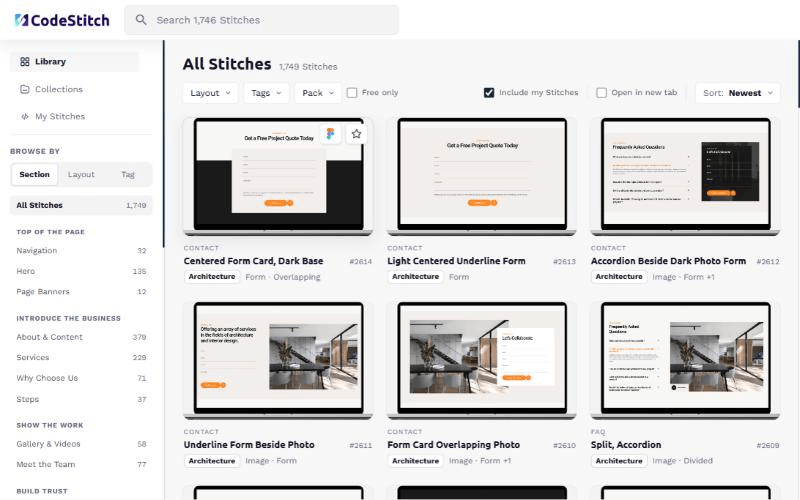
- Browse by Section, Layout or Tag. The sidebar groups sections by where they sit on a page (top of the page, introducing the business, showing the work, building trust) with a count next to each.
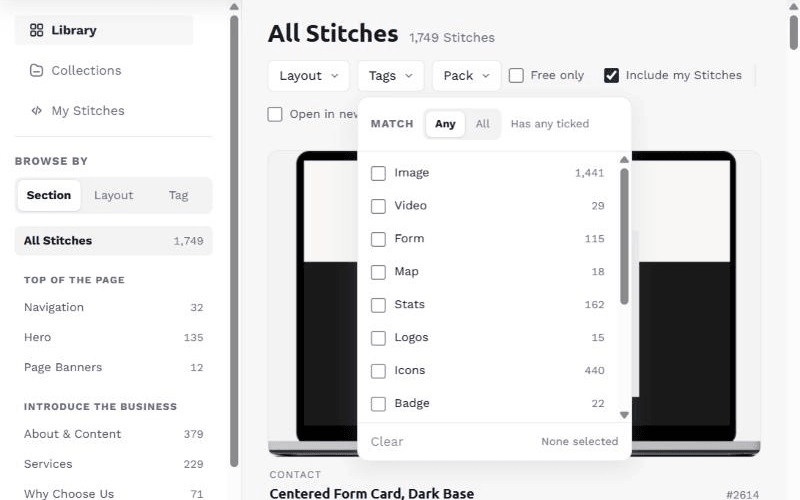
- Filters that stay out of the way. Layout, Tags and Pack now live together as dropdowns in the toolbar, and each one lets you match "Any" or "All" of what you've ticked. There's a Free only toggle too.
- Names you can actually search for. Every stitch now has a descriptive name, like "Centered Form Card, Dark Base", with its ID kept alongside. Search for what you're picturing, not a number.
- One click to the code. Click any card to open it in Get Code, or hover for the Figma link and to save it for later.
- Collections and My Stitches sit right alongside, so your saved stitches and your own work are never more than a click away.
We will continue to assess and iterate on the library as time goes on and as we use CodeStitch more ourselves. As always, if anything doesn't seem right, put in a feedback request via email or drop a message in our Discord, and we'll see what we can do.
A Reworked Get Code Screen
Get Code is where you land when you grab a stitch, and it's had the biggest rework of the lot. Thanks to everyone who weighed in on the request-for-comments thread in Discord. A lot of what's here came straight from it.
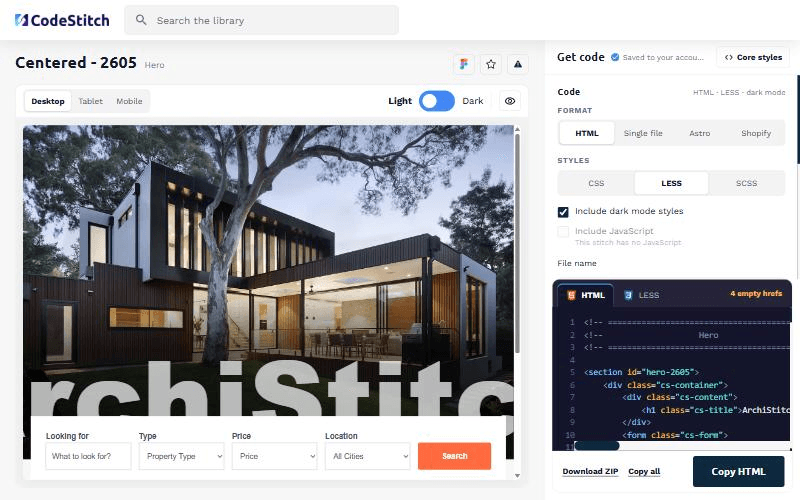
- A bigger live preview with Desktop, Tablet and Mobile views and a Light/Dark switch, so you can check dark mode before you copy anything.
- Copy it the way you build. Plain HTML, a single file, Astro or Shopify, with your styles in CSS, LESS or SCSS.
- Images and links handled for you. Keep images on the CodeStitch CDN or point them at a local folder, and fill empty links by guessing routes from the link text.
- Ready to drop in. Set the file name, include or leave out the dark mode styles, then copy everything at once or download the lot as a ZIP.
We've Started on the CodeStitch MCP
MCP (Model Context Protocol) is the standard that lets AI coding tools like Claude Code and Cursor connect to outside services. The idea is simple: your AI assistant searches the library and pulls real, hand-coded stitches into your project, instead of inventing its own markup from scratch.
It's early days, but it's moving. We're hoping to have a beta preview ready before the end of the year, and we'll let you know the moment it's ready to try.
Next Up: Real Estate #2, Then HVAC
Real Estate Stitch Pack #2. Later this month, building on August's pack with new section types.
HVAC Stitch Pack. Trades-first, like Roofing: proof, process and a clear call to action.
The plan for 2027. We'll review the new year's packs at the end of December and share the roadmap with you.
Go Try the New Library
The new Library and Get Code screens are live now. Have a look around, and tell us what you think in Discord.
Browse The Library